FZK-Haus — a building as a 3D knowledge graph
▸ Open the 3D building → — a three.js explorer over the
fzk-haus knowledge graph: pick any wall, door, window, slab or room and see
where it sits — its floor, the rooms it encloses, the rooms next to it, and
everything within reach in 3D — with real SPARQL and geo3 (GeoSPARQL → 3D)
running in the browser against the .rete.
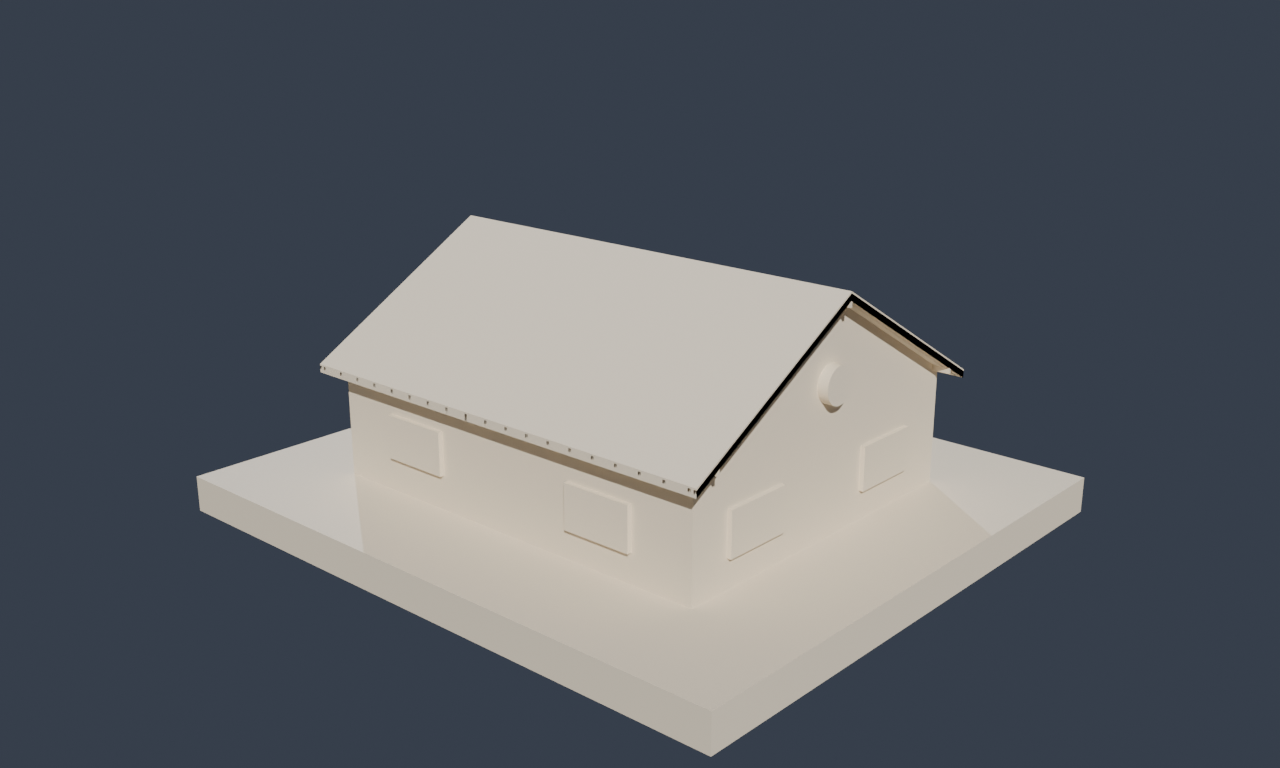
From CAD to graph
The model is AC20-FZK-Haus, an openly-licensed IFC4 sample building (a small detached house) published by KIT for the IBPSA Project 1. IFC (ISO 16739) is the open BIM exchange format, and it is already semantic: it carries typed elements (walls, doors, windows, slabs, stairs…), spatial structure (site → building → storey → space), and relationships (which elements bound a room, which openings a wall hosts). We parse it with IfcOpenShell and lift it into three layers of RDF:
- BOT — the W3C Building Topology Ontology — for the
spatial breakdown:
bot:Site,bot:Building,bot:Storey,bot:Space,bot:Element, tied together bybot:hasStorey,bot:hasSpace,bot:containsElement,bot:adjacentElement. cad:for the IFC specifics:cad:ifcClass,cad:material,cad:boundsSpace(space boundaries),cad:adjacentSpace,cad:fillsWall.- geo3 for geometry: every element carries a 3D point and an axis-aligned bounding box, in metres, in the building's own coordinate frame.
What you see
The centre pane is a real 3D scene: left-drag to orbit, right-drag (or Shift-drag) to pan, scroll to zoom, click any element to select it. The left sidebar toggles element types — Walls, Slabs, Windows, Doors, Stairs, Railings, Beams, structural Members, and the room volumes — each with a live count, plus a Storeys filter to isolate a floor. Find an element searches every element and room by name. The right panel describes whatever is selected: its IFC type, floor, material, and its topological neighbours — for a room, the rooms adjacent to it and the elements that enclose it; for a wall, the rooms it encloses. Clicking a related item jumps to it.
Every relation is a materialised edge
The colours in the legend aren't drawn by hand. Room adjacency comes from the
IFC space boundaries (cad:boundsSpace → cad:adjacentSpace); "what's near the
staircase" is computed by geo3, rete's extension of GeoSPARQL into three
dimensions (geof3:distance3D, and the same geo3:box / geo3:asWKT3D geometry
the anatomy explorer uses) — the identical engine, now finding relations
between the physical parts of a building instead of an organism.
Select by query
The Select by query panel runs that idea live. Ready examples — the rooms on
each floor, the building's element inventory, the rooms adjacent to the living
room, the walls that enclose the kitchen, the ten elements nearest the staircase
via geof3:distance3D, and how many walls enclose each room — are real SPARQL
against fzk-haus.rete, executed in-browser (the query engine and graph load
lazily, once) and highlighted straight onto the model. There's also a box to
write your own SPARQL; matches populate the results table below the scene and
clicking a row selects that element in 3D. Room labels are language-tagged, so
match them as "Wohnen"@en.
The same data, queryable
The explorer is one lens on a regular playground dataset. Open
fzk-haus to run SPARQL directly —
the same spatial structure, topology, and 3D geometry, with no rendering in the
way.